Original pixel-art heroes approaching an arcane citadel

Free endgame experiment · Windows

Push the climb.
Keep the game sacred.

NateBera's automated NG pushing workflow for Heroes of Hammerwatch II—built for veteran players who have already exhausted the honest grind and want to explore the far edge of endgame scaling.

Read the setup guide
100%free forever
v2AutoHotkey
emberarequired mule
Point of no return

This can make normal progression feel pointless and remove the reason you enjoyed logging in. Once the challenge and reward curve is bypassed, there may be no satisfying way back. Use it only when you feel your natural journey is genuinely complete.

The ascent protocol

One mule. One main character.
A repeatable endgame loop.

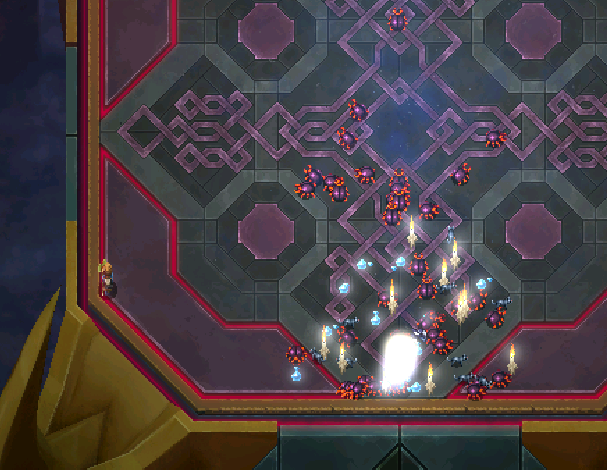
The script joins embera's stationary boss arena, advances the selected character, completes the local transition, and repeats. Major states are detected visually rather than trusted to blind timers.

Before you automate: ask whether removing the climb will also remove the point of playing. This tool is difficult to emotionally “undo,” even with an old save.

Before anything else

Back up your save profile.

Use the game's Save Profiles feature and keep a separate copy before starting NG cheese. Protect the character history you earned normally.

Get AutoHotkey v2 ↗
01

Add the hosted mule

For the script to work reliably, add the Steam account embera as a friend from the account you want to level. The easiest method is to join embera's public game first, then send a friend request through Steam. NateBera already hosts embera inside the target boss arena, so you do not need to create a VM or purchase a second copy of the game.

SOpen embera's Steam profileJoin the public game, then send a friend request
02

Install AutoHotkey v2

Install AutoHotkey v2 on your main PC. The script uses it to control your Steam Friends window and your main Heroes of Hammerwatch II game window.

!

Required before joining embera

Turn your pets off

Disable or unequip every pet before starting the NG cheese. Each cycle can leave another summoned pet inside the shared mule arena, and those pets do not disappear normally. They accumulate, interfere with embera, and can disrupt the setup for everyone. The mule is reset daily, but please do not make the reset do all the work.

No pets. No summons. Clean arena.Check this again whenever you change character or build.
04

Find embera and calibrate once

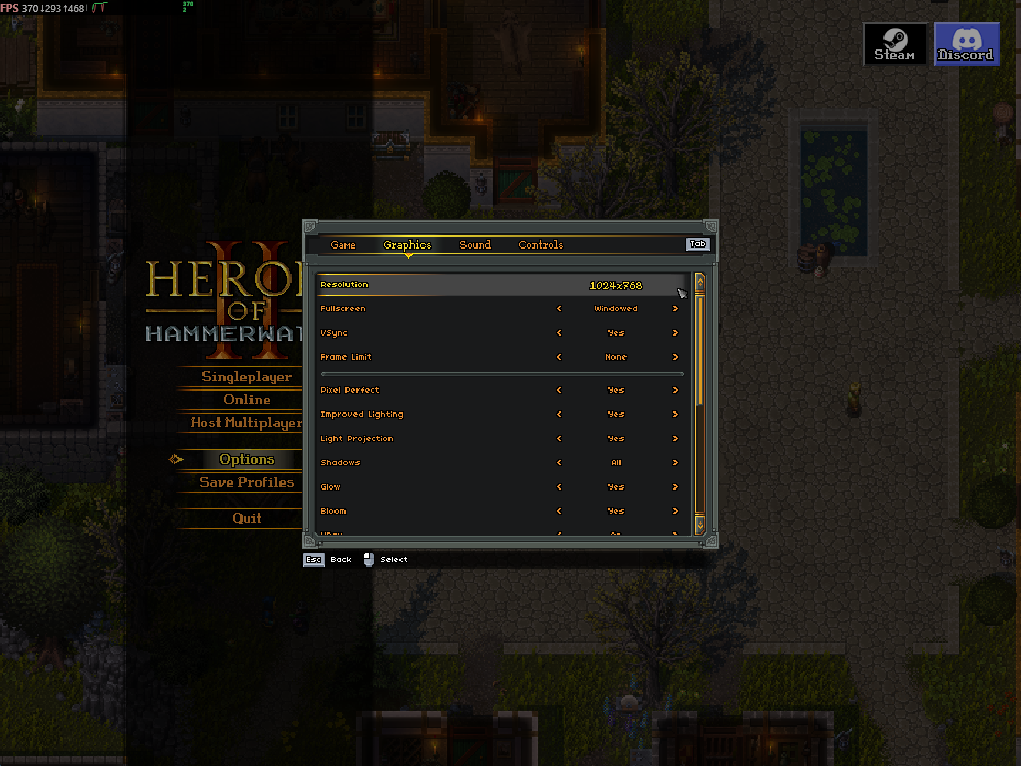
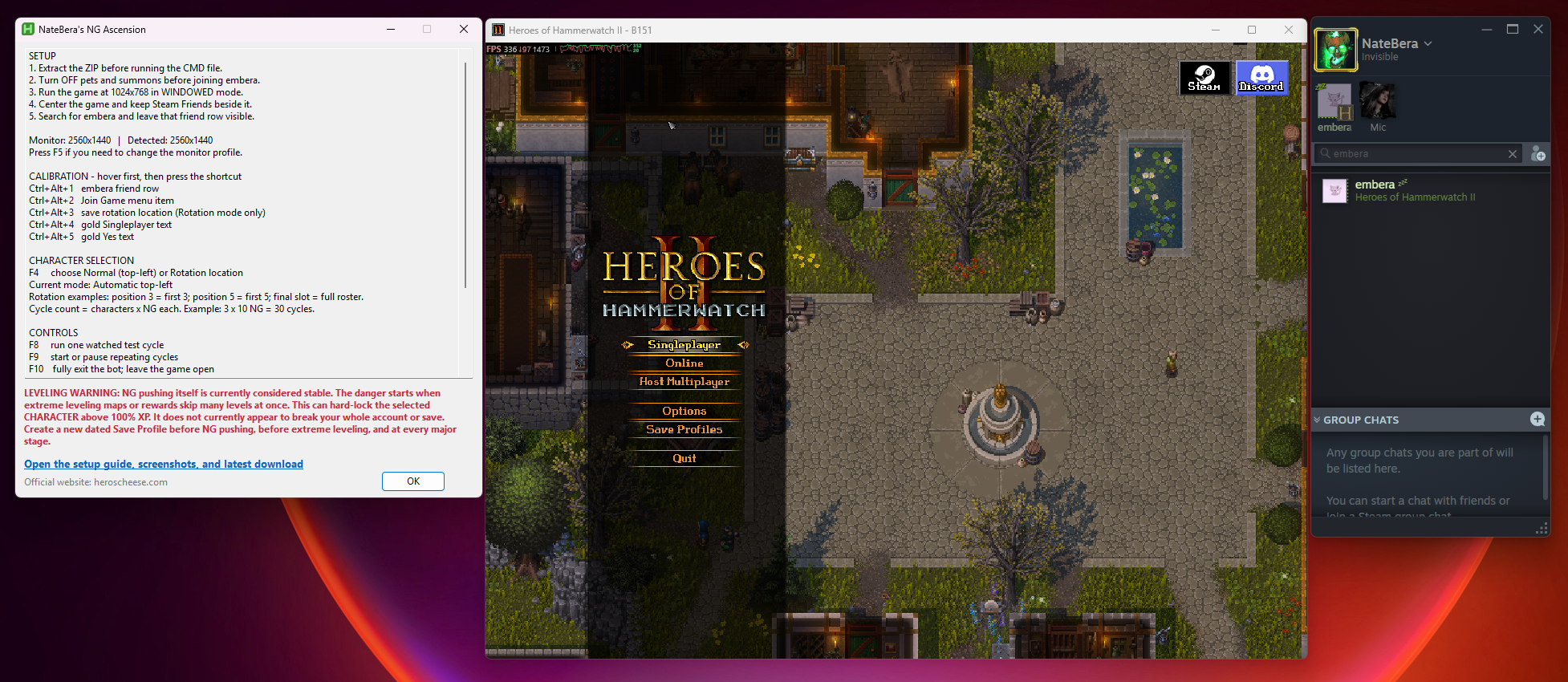
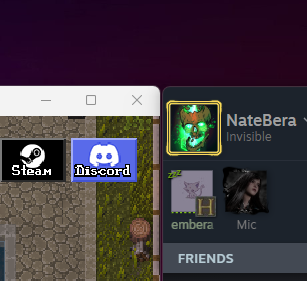
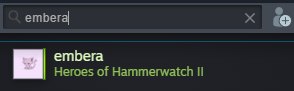
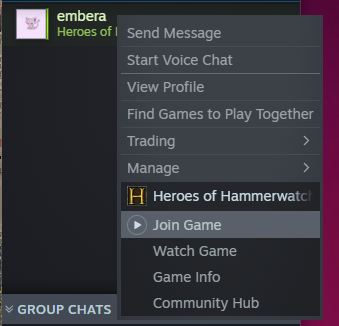
Set your desktop up exactly like the example: game window centered, Steam Friends beside it, and embera left in the search box. Calibration simply records where your mouse is pointing. Hover over each target—do not click it—then press the matching shortcut.

Steam Friends filtered to embera with the right-click Join Game option visible beside the windowed gameCorrect desktop arrangementGame centered · Steam Friends beside it · embera filtered · Join Game visible · Click to enlarge
One-time calibrationHover → press shortcut → move to the next target
  1. Ctrl + Alt + 1
    embera friend row

    Close the right-click menu first. Hover over embera's filtered friend entry, then press the shortcut.

  2. Ctrl + Alt + 2
    Join Game

    Right-click embera, hover directly over the Join Game menu item, then press the shortcut.

  3. Ctrl + Alt + 3
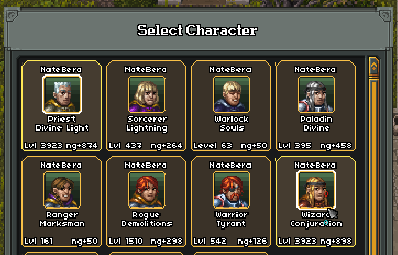
    Character card override

    Usually optional because the script calculates the top-left card automatically. Use this only if automatic character selection misses: hover the center of the top-left character card and save it.

  4. Ctrl + Alt + 4
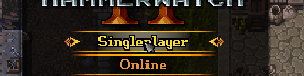
    Singleplayer

    With the game on its main menu, hover directly over the gold Singleplayer text and press the shortcut.

  5. Ctrl + Alt + 5
    Yes confirmation

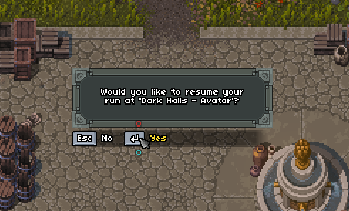
    Open the resume-run question, hover directly over the gold Yes text, and press the shortcut.

Important: keep the game and Steam Friends in these same positions after calibration. If either window moves, rerun the affected shortcut. The script remembers the saved points between launches.

05

Test, then ascend

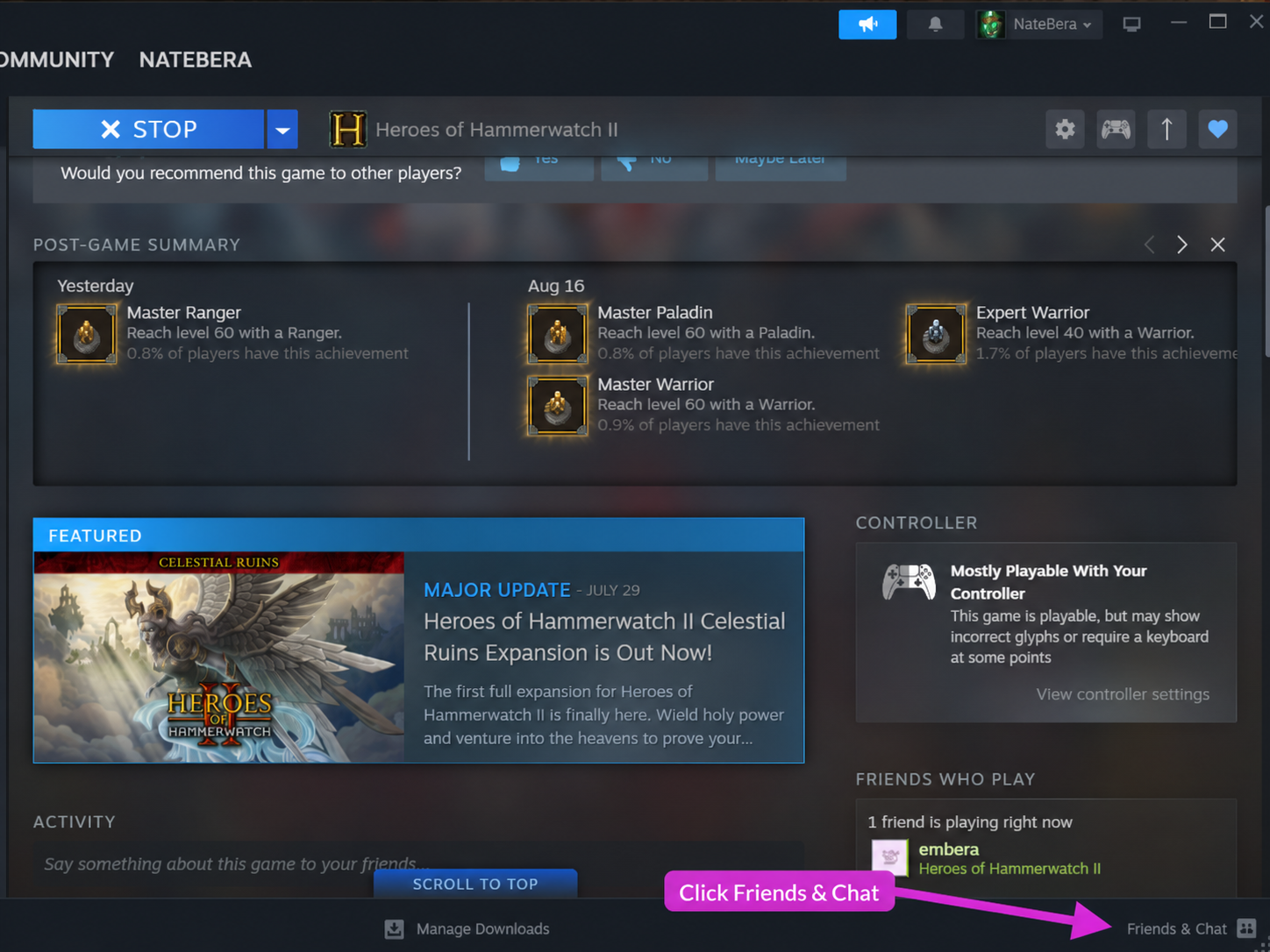
Press F8 for one watched test cycle. When it completes cleanly, press F9 for repeating cycles. F9 pauses; F10 exits the bot without closing your game.

Operational controls

Simple enough to stop instantly.

The script includes launch detection, retry recovery, a five-minute cooldown after repeated Steam launch failures, and state checks for character selection, gameplay, and mission completion.

F5Display profile
F6Safety-buffer speed
F7Cycle target
F8One test cycle
F9Start / pause
F10Emergency stopImmediately kills the script completely. Your game stays open.

The endgame code

Power without ruining somebody else's run.

This is an endgame experiment, but that does not mean you must avoid newer players. Join respectfully, understand what kind of help they actually want, and protect the moments they deserve to experience themselves. Never jump in and erase a first clear, kill their final boss for them, or trivialize their progression without permission.

Choose your own finish line carefully. A useful benchmark is roughly 200–300 hours, but the real answer depends on you and how you want to experience the game. This process can flatten the progression curve so completely that playing no longer feels meaningful. Proceed only at your own discretion.

Protect your history. Back up a save profile before the first automated push and before experimenting with infinite-resource methods.

Respect every lobby. Playing with newer players is fine—just follow their lead. Ask before carrying, avoid deleting bosses or milestones they have never completed, and do not force extreme progression on anyone who did not request it.

Own what you use. Each Steam account needs its own legitimate game access. The project is free, not a licensing workaround.

Field notes

More endgame experiments are coming.

In development

GUIDE 02

Infinite Resources

A documented endgame experiment with boundaries, backups, and clear recovery instructions.

In development

GUIDE 03

Effortless Leveling

A controlled guide for high-NG characters whose normal leveling path has become impractical.

Ready for the far end?

Ascend responsibly.

Free to use. Not for profit. No warranty. Built as a community endgame experiment.